Google lookout
Accessible, versatile reading app for Android devices with a range of recognition features.
On this page
Product description
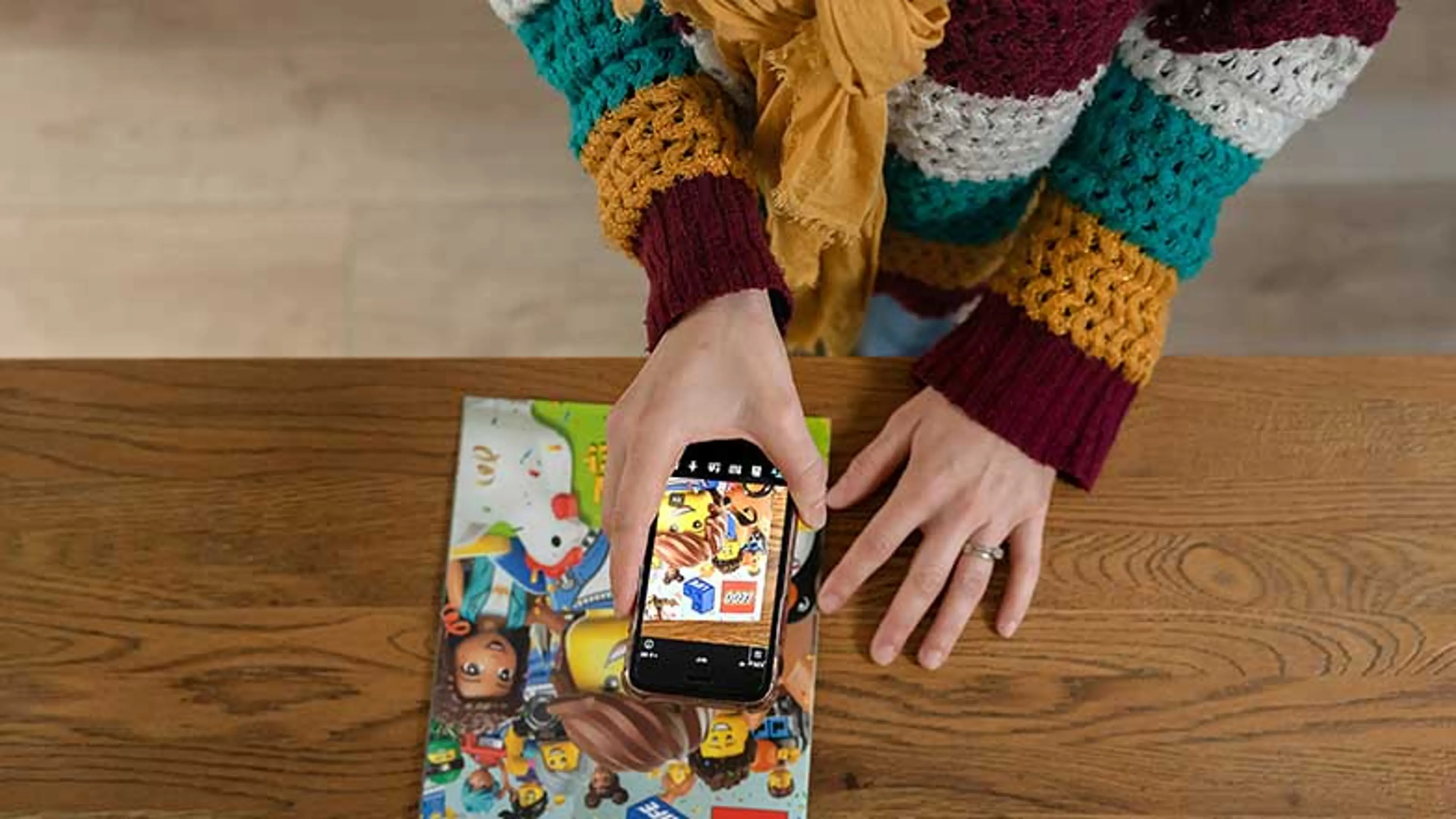
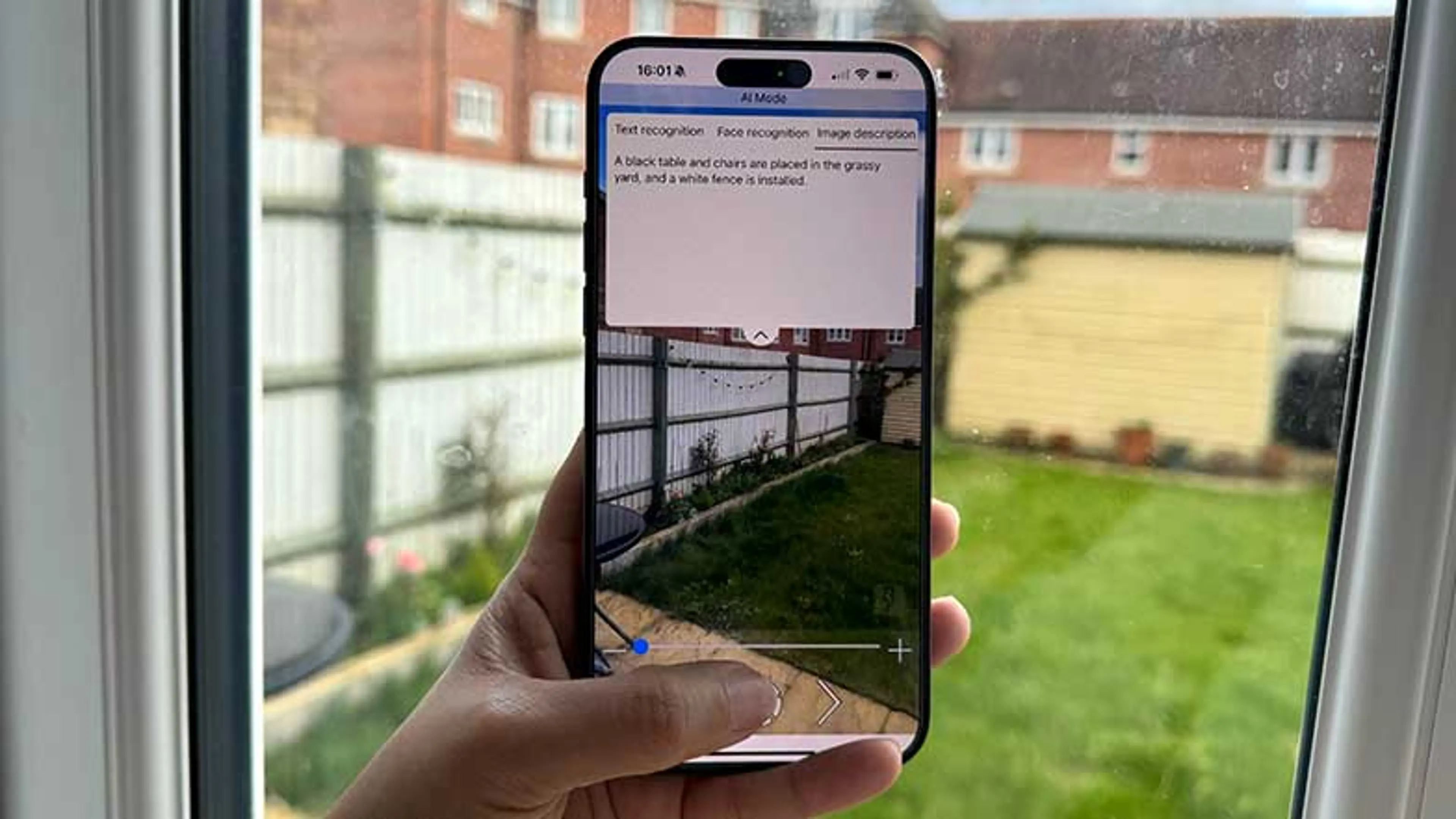
For use with Android devices, Lookout is a free smartphone app from Google that enables you choose from several recognition modes including reading text, describing images and identifying objects around you. Using your phone’s camera, Google Lookout’s Text mode will automatically detect and read aloud text, while Document mode scans and reads aloud a page of print or handwriting. The AI-powered image mode can describe images, identify products and recognise objects, either directly from your camera or from your photo library.
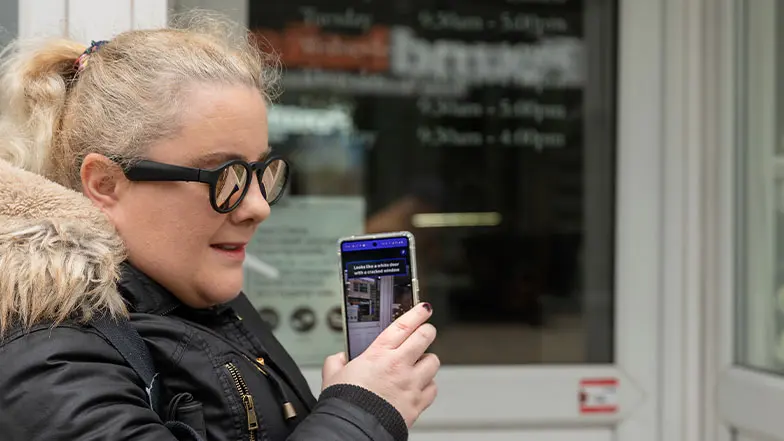
Google lookout highlights
Google Lookout can be helpful for:
- Automatically detecting printed or handwritten text and reading it aloud.
- Detecting and reading signs.
- Describing images, identifying products and recognising objects.
- Identifying pictures in your phone’s photo library.
This is a very useful app that I use on my Google Pixel 6A that I was given as part of my work kit to support customers.
Note for magnification users: The pros and cons are listed next to each other.
Pros
- Google Lookout is a free app.
- One of the most accurate recognition apps.
- Dedicated Google Disability Support service can provide support with using any Android accessibility feature, including TalkBack, Screen Magnifier and Lookout.
Cons
- Google Lookout is only available for Android devices.
Ease of use
Easy
Set up time
Estimate: 10 minutes
Price range
Free
Learn more
Google support: Android Accessibility Help: Use Lookout to explore your environment.
- You can find out more about Android accessibility and reading apps from the Guide Dogs: Technology for vision impairment webpages, including the guide to Reading apps.
Manufacturer details
You can find more information about this product by contacting the manufacturer.
Google Disability support team
Want to learn in detail about other technology tools that can help you?
Related products
Our partners
Whilst Guide Dogs may be able to suggest various third-party websites and third-party applications which may be able to assist you, those are not endorsed by Guide Dogs. Guide Dogs have no control over those third parties and cannot be held responsible for the accuracy of information and support they can provide or the suitability and quality of any products or services they provide.
Our tech reviews have been selected and created by sight loss experts and people with lived experience from: Blind Veterans UK, Glaucoma UK, Guide Dogs, Henshaws, The Macular Society, Retina UK, RNIB, Thomas Pocklington Trust, Technology Association of Visually Impaired People (TAVIP) and Visionary with key input from a panel of professionals, with lived experience, from the following organisations: Berkshire Vision, Outlookers, Seescape, Sight Advice South Lakes, Sight Concern Worcestershire, Sight Airedale and The Braillists Foundation