5 types of tactile labels to help people with sight loss
We talk about a range of tactile labels on this page, including:
- Tactile stickers, such as Braille labels
- Tactile dots or touch dots, such as Bump-ons, Bump-Dots, BumperStops, and Loc-Dots
- Tacti-Mark
- Sock Snaps
- Household objects
Tactile stickers
The most common type of tactile sticker is a Braille label. This is a sticker with raised Braille writing that you can attach to an object to describe what it is. For example, you might add a Braille label saying “Front” to your front door key to distinguish it from your back door key.
Braille labels are quick and easy to make at home. All you need is a Braille Dymo Tape Labeller and plenty of labelling tape. Using the Dymo machine, punch in the name of the object you’d like to label, press the cut button, peel off the back of the tape and stick the label on the object.
A Braille label is useful to help identify medication, letters or numbers on a keyboard, different settings on equipment like a microwave, or even different makeup products.
Things to keep in mind when using Braille labels
Although Braille stickers are incredibly useful, they tend to be bigger than other tactile labels. With this in mind, take care that the sticker isn’t covering any other instructions or information, especially if the object you’re labelling is communal.
Because of their size, Braille labels might not be the best tactile marker for labelling small objects. However, if you’re confident you’ll know what the object is in context, you could abbreviate the name to save space. For example, you could label the saltshaker “Sa” and the pepper grinder “P”.
Tactile dots and touch dots
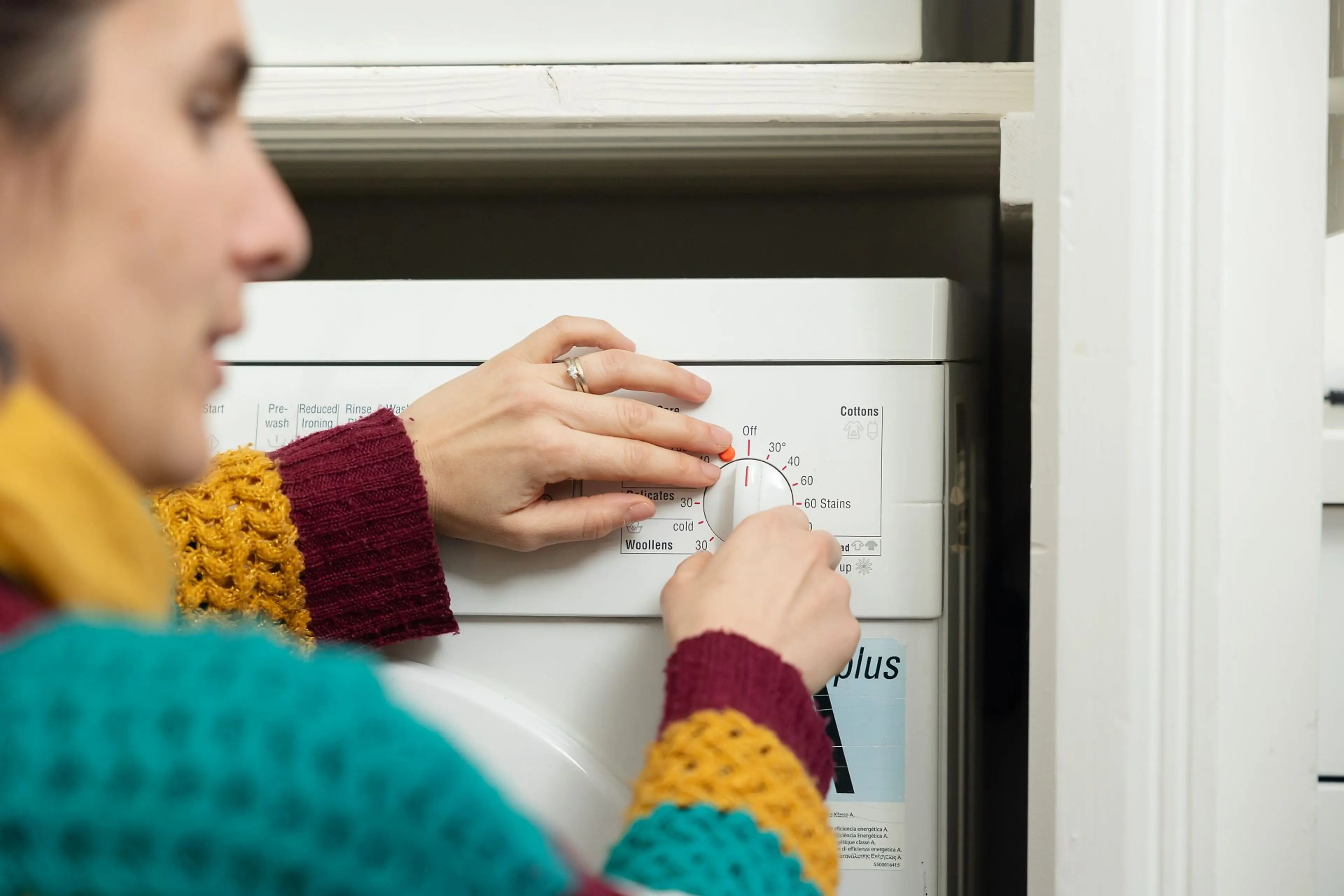
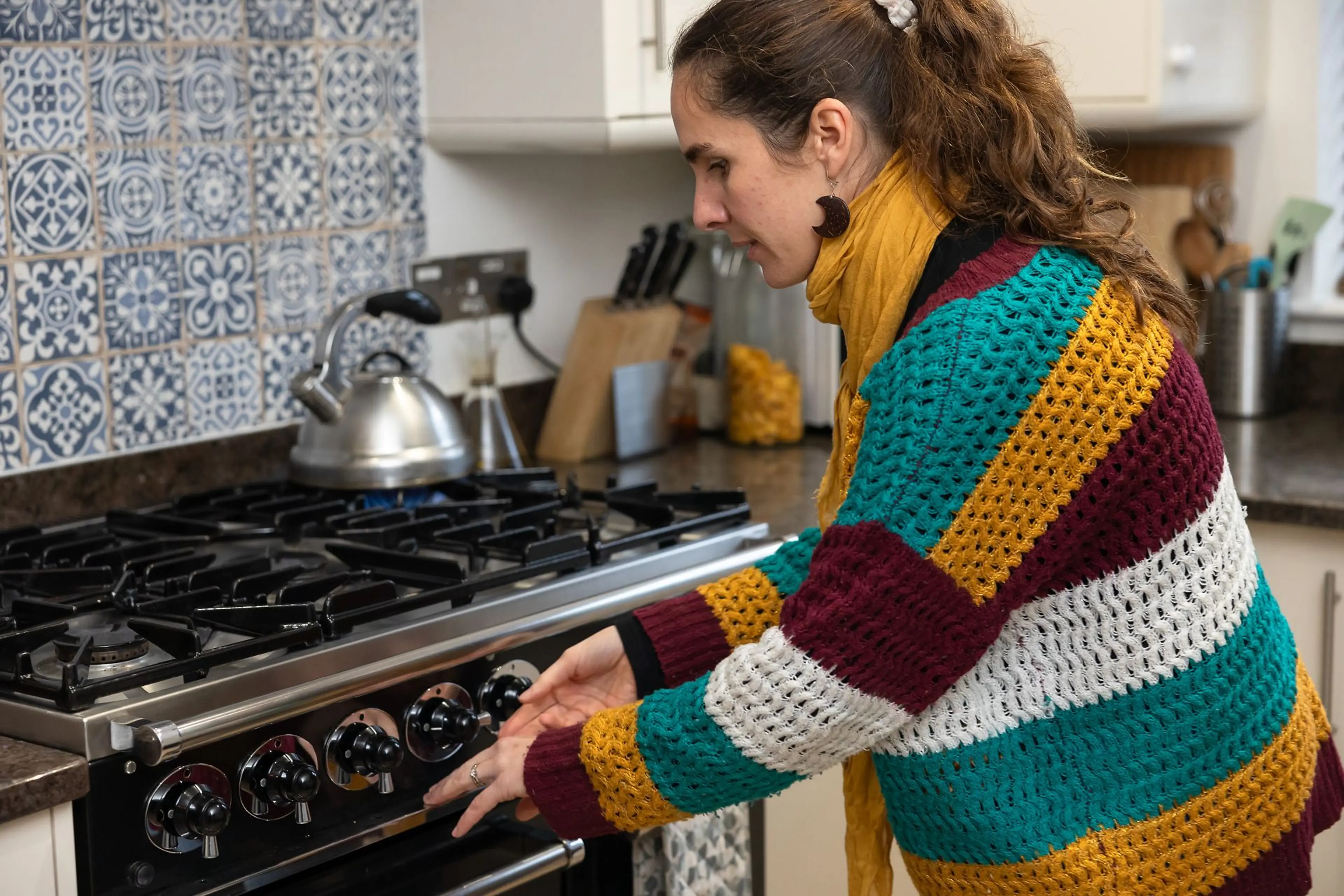
Tactile dots and touch dots are adhesive raised stickers that you can attach to equipment with a hard surface. They’re useful when you want to indicate a particular point on the equipment, such as the setting you use most often on your dishwasher, oven, toaster, or washing machine. Tactile dots and touch dots include:
- Bump-ons or Bump-Dots: They’re available in a range of colours, most commonly orange, black, and transparent.
- BumperStops: They come in a variety of thicknesses and pressure sensitivities, such as Standard BumperStops and SuperSoft BumperStops. There’s also a customisable option, which allows you to choose the shape of the BumperStop, but this option is only available if you’re ordering a large amount.
- Loc-Dots: Being only 2mm high, Loc-Dots tend to be smaller and flatter than Bump-ons or BumperStops.
Which product you choose might depend on the object you’re labelling. For example, if you’re labelling a small object, you might prefer Loc-Dots because they’re flatter. Or if you have low vision, you might pick the orange BumperStops if you’re labelling a black object.
Things to keep in mind when using tactile dots or touch dots
Be careful not to overload an appliance with tactile dots because this could lead to confusion. For example, if you need to use a number pad to enter a code, you could always mark the central number – which is usually 5 – with a tactile dot and learn the code in relation to the marker.
On some household objects, common-use buttons can be subtly marked already, like on a remote control. So, it’s always best to check the equipment before you apply a tactile dot.
Tacti-Mark
Tacti-Mark is a liquid plastic that comes in a bottle with a narrow nozzle. You can apply it to paper, metal, and hard plastics. Try drawing different shapes to help distinguish between different objects. For example, you could draw a sun on your sunglasses case to differentiate it from your regular glasses case.
Things to keep in mind when using Tacti-Mark
Be aware that once it has hardened (which takes 24 hours), it’s tricky to remove. It’s not advisable to use Tacti-Mark on products that heat up and it doesn’t adhere to other flexible plastics.
Sock Snaps
Sock Snaps or Loc-A-Socks are small disks with a hole in the centre, designed to help keep pairs of socks together when you put them in the wash. Although they aren’t labels as such, they’re a tactile aid to help users with the everyday task of pairing up socks.
To use them, push the pair of socks through the circular hole and pop them in the washing machine, then when they come out, you can easily pair them up.
Things to keep in mind when using Sock Snaps
Most Sock Snaps are made from rubber, so avoid putting them in the wash with delicate fabrics, such as knitwear.
Everyday household items
A simple and cost-effective way to tell the difference between similar objects is to attach an everyday household item to them. Items such as elastic bands, hair bobbles, clothing pegs, and buttons, are great for this purpose.
- Try putting an elastic band around your shampoo so you can distinguish it from your conditioner.
- Pop a clothing peg on the packet of rice you’ve already opened.
- Try using different hair bobbles with different thicknesses to differentiate tins in your cupboard.
- You could even alter the packaging to help you find something quicker. For example, you could tear the corner of your favourite cereal box.
- You could sew buttons onto the labels of clothing to help differentiate between items.
Loading video...
Audio labels
Unlike other tactile markers, audio labels have an audio feature and therefore help you identify items using hearing rather than touch. They usually work with you recording your voice to label an item.
Things to keep in mind when using audio labels
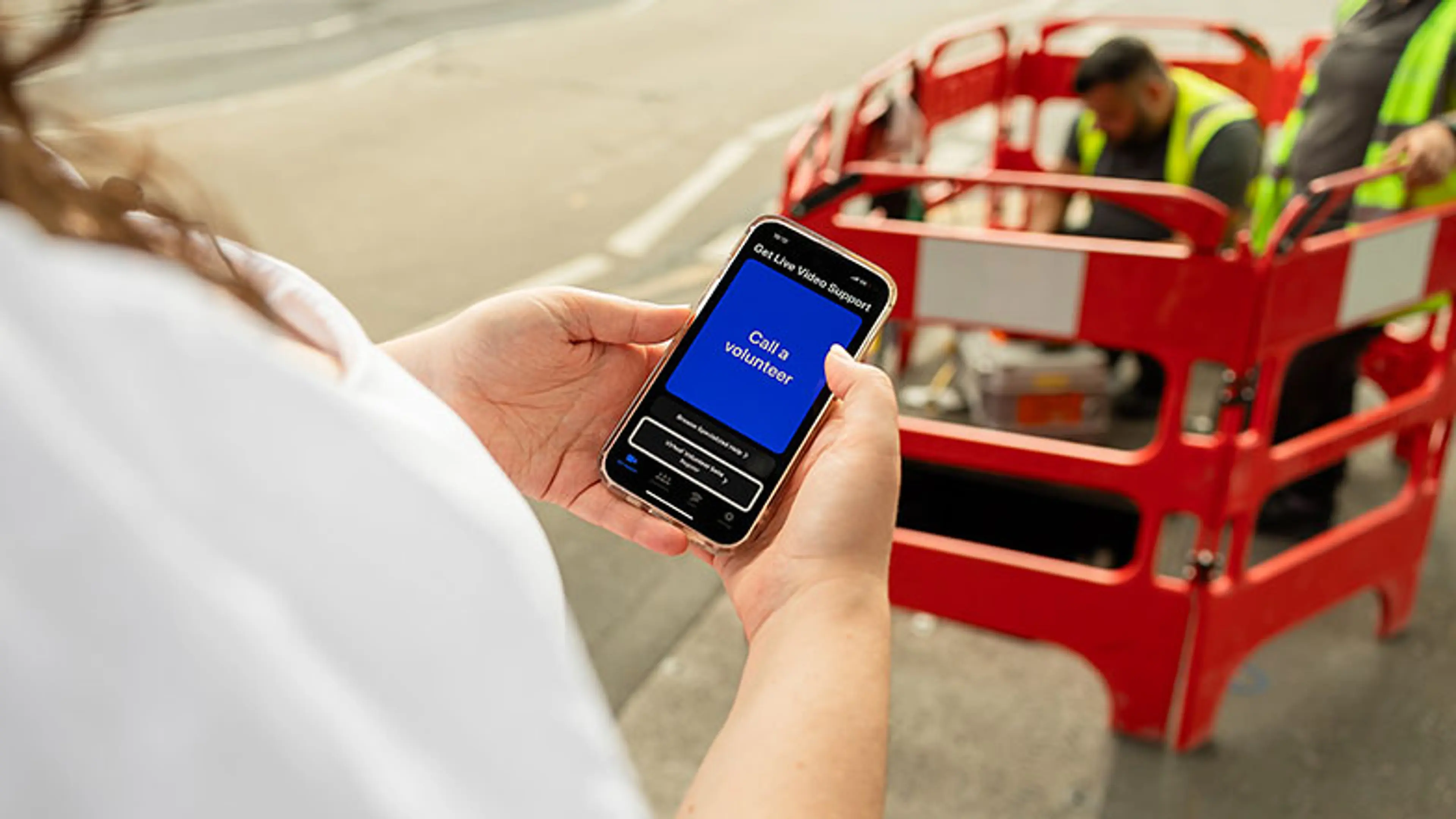
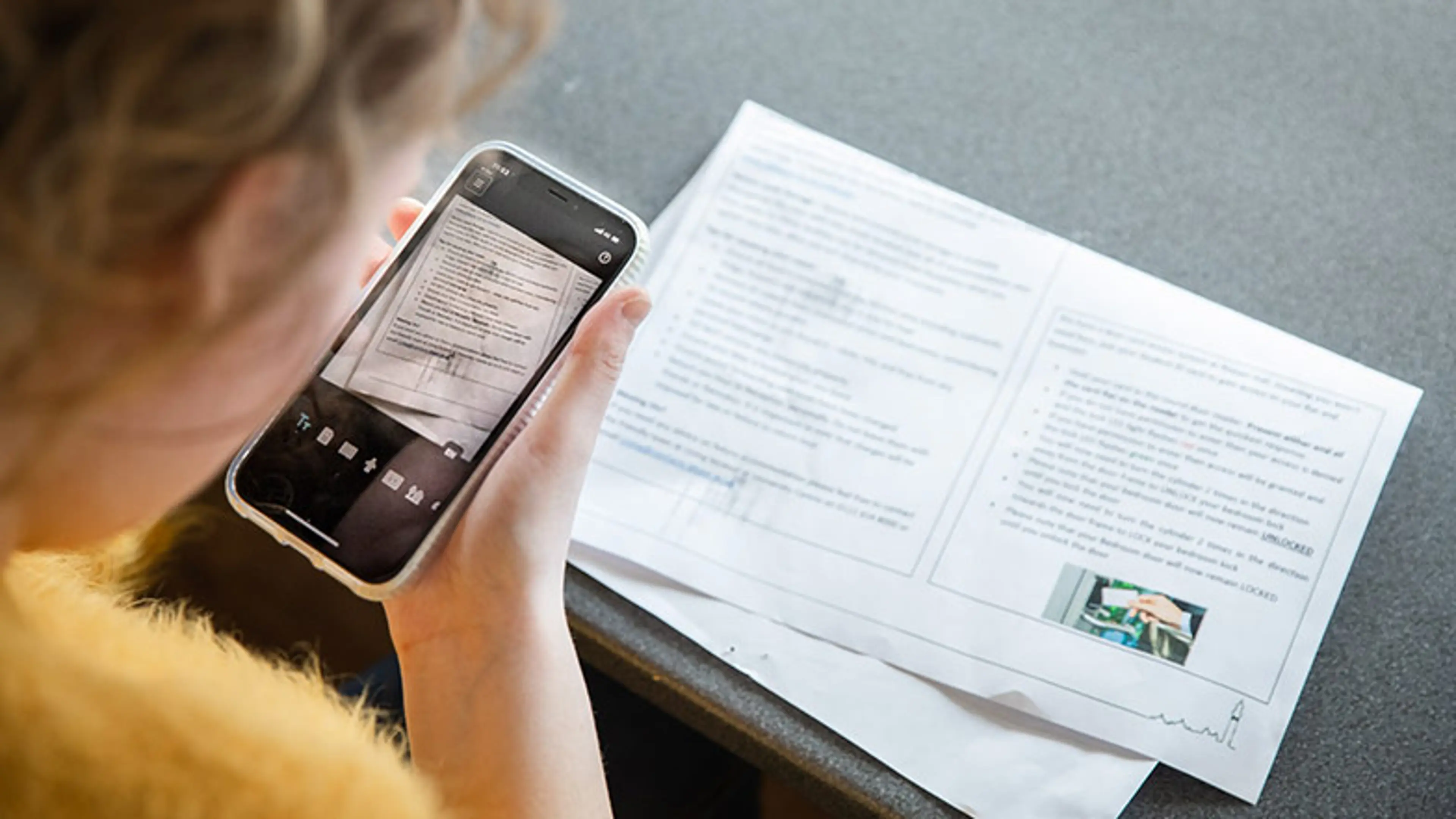
If you’re using an audio labelling device, like Talking Tins or PenFriend, you might need sighted assistance or a text recognition app to tell you what’s in each tin or what each item is before you label them.
For apps, you’ll likely need an active internet connection – either through WiFi or mobile data. Some apps require the latest operating systems to run at their best.
Get in touch with Guide Dogs for support
If you need support with identifying items in your home, or other accessibility options, please contact us.