
The Clew app supports people who are visually impaired with indoor navigation. This can be helpful when you’re navigating unfamiliar places, for example walking from your seat to the bathroom in a café, or retracing your steps from a meeting room to the exit. It’s used to help you navigate back from somewhere you’ve already walked, rather than helping you get to a new destination without sighted assistance (if you’re looking for help getting around outside or on your own, have a look at our guides on Be My Eyes).
Clew uses augmented reality (AR) and doesn’t require GPS signal or access to mobile data or wi-fi. It uses sounds, haptic feedback, and directional audio cues to guide you to where you want to go.
The app is only available on iPhone and provides guidance in English, Arabic and Spanish.
The Clew app uses your phone’s rear camera to record a route. Start recording at the place you’d like to return to, then walk the route one way. The app will work out how to guide you back to the place you started using directional audio cues and visual prompts on your phone’s screen.
Before you record a route, you need to choose whether you’d like to map a Single Use route or a Saved route - one you’re likely to use more than once.
The Single Use route option is helpful if you have sighted assistance one way, but you’ll have to retrace your steps independently. The Save route option is ideal for journeys you’ll have to make a lot, like navigating between areas of your school or office. You may still find a sighted assistant is useful for recording and saving the route the first time around.
Clew is designed to support and enhance indoor navigation, rather than replace your core orientation and mobility skills. However, it can help as a supplemental tool to help you navigate your environment.
If you have an iPhone, you can download Clew for free from the App Store. The app’s icon features a light green background, with a ball of yarn centred within a white location pin in the middle.

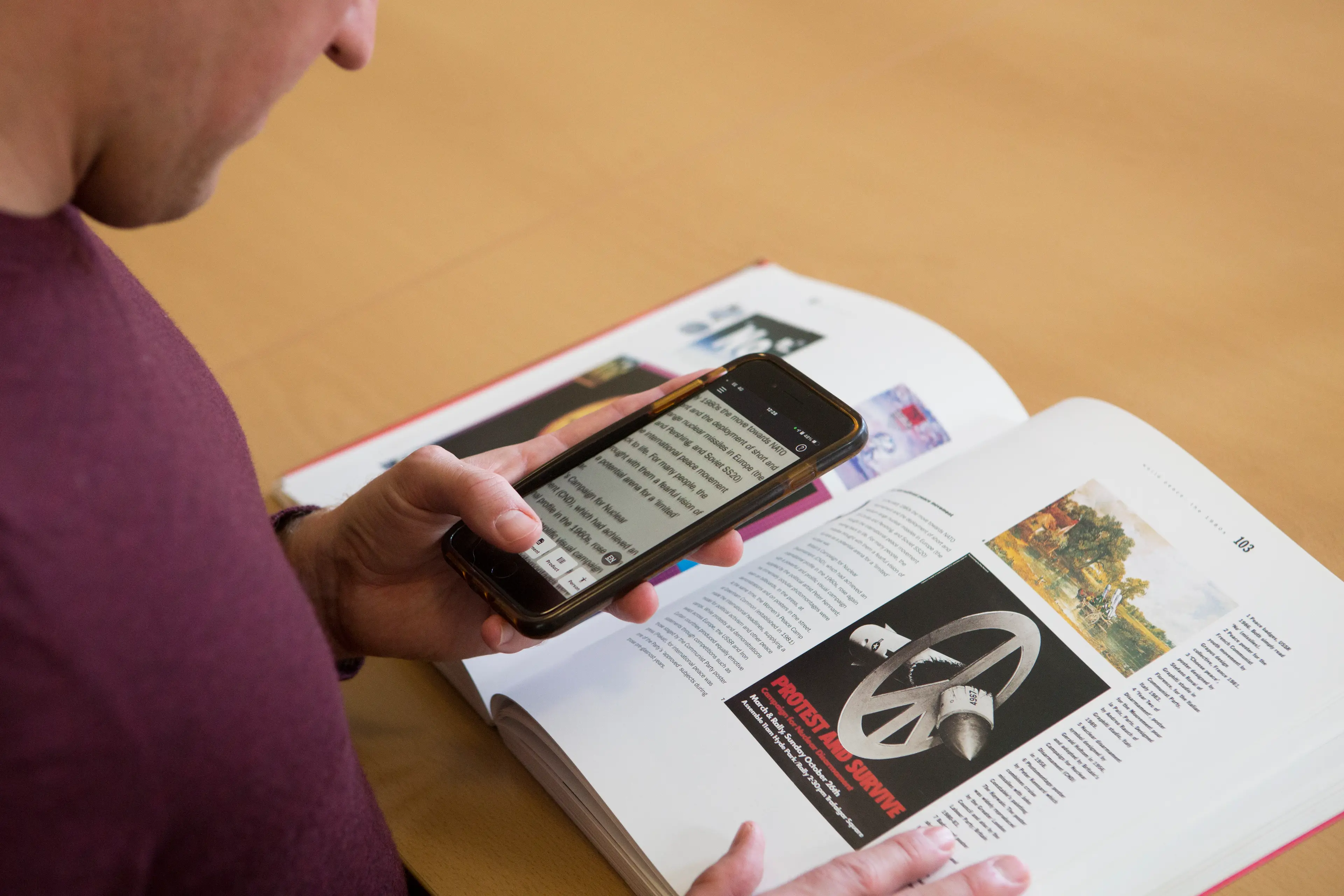
Make the most of your Apple devices with our guide to the best iOS accessibility features for people with a vision impairment.

Read our guide to the different versions of Soundscape audio-navigation apps and how they can help you navigate your surroundings with a vision impairment.
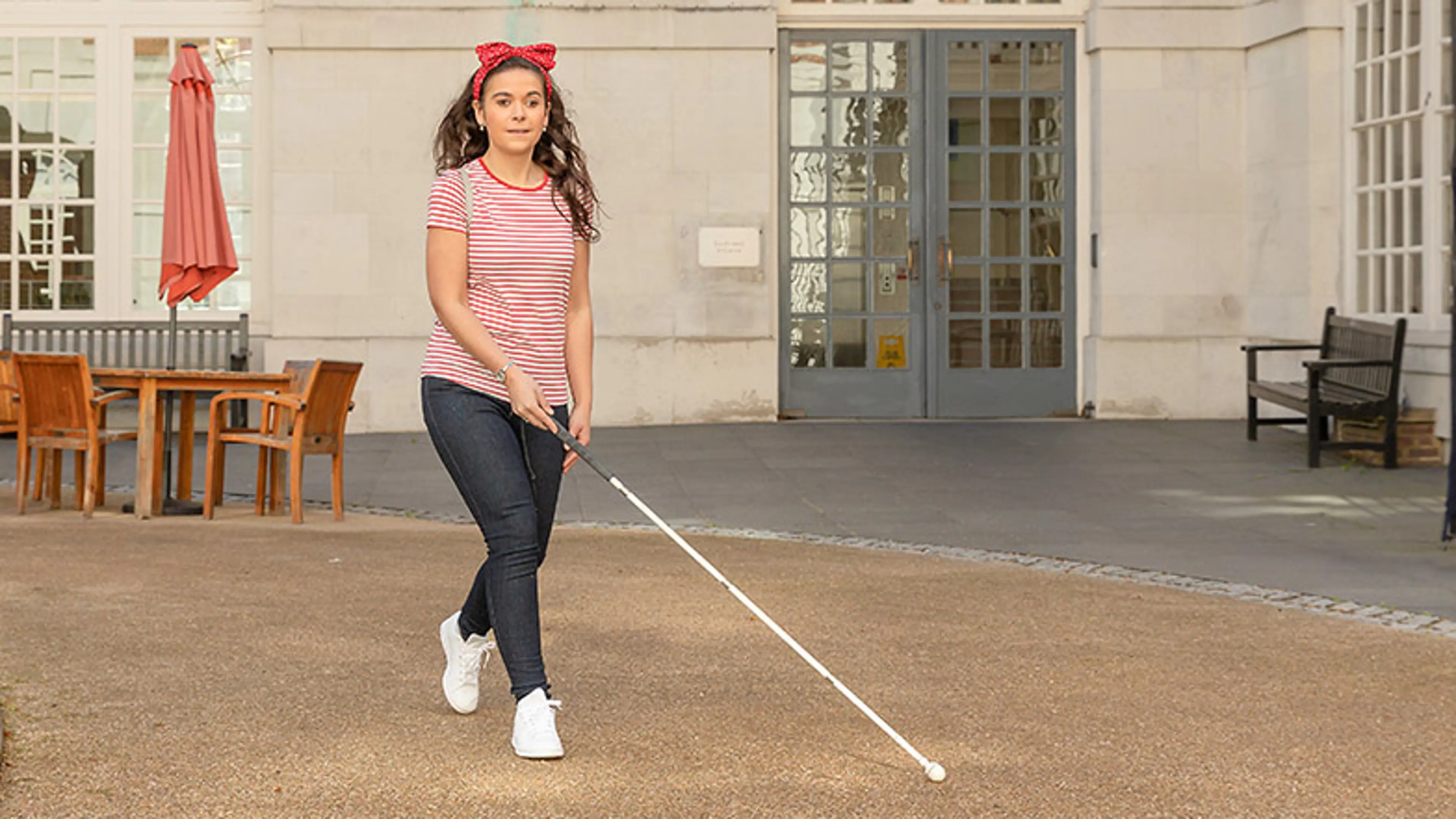
Read more about the different types of canes to understand which one could be right for you and how these can help support your mobility.
Looking for recommendations on products and apps that can help you with your daily activities?
Guide Dogs is committed to integrating technology into our service delivery and promoting excellence in accessibility and usability. Our staff undergo comprehensive training in technology and accessibility in collaboration with industry leaders like Apple. We foster knowledge of technology and create content through our Technology Champions, comprising Vision Rehabilitation Specialists and Habilitation Specialists. We review this content periodically to ensure that it is up to date and includes new features and changes with operating systems. We work with our partners to ensure accessibility is at the centre of the design. To find out more, there is more information in our accessibility policy.
Please note: Whilst Guide Dogs may be able to suggest various third-party websites and third-party applications which may be able to assist you, those are not endorsed by Guide Dogs. Guide Dogs have no control over those third parties and cannot be held responsible for the accuracy of information and support they can provide or the suitability and quality of any products or services they provide.